
Wi-Fi Dead Zones? Why Extenders Disappoint and What Actually Works
Video calls freezing in the home office. Streaming buffering in the basement. A smart doorbell that drops offline. Wi-Fi problems are among the most common calls we get, especially in the older brick and plaster homes found across Alexandria, Mount Vernon, and Arlington.
Start with the router
- Location matters. A router in a basement corner or inside a cabinet loses much of its range. Central and up high is best.
- Age matters. A router more than five years old is slower, and many no longer get security updates.
- Restart it. A simple power cycle clears up a surprising number of slowdowns.
Why extenders often disappoint
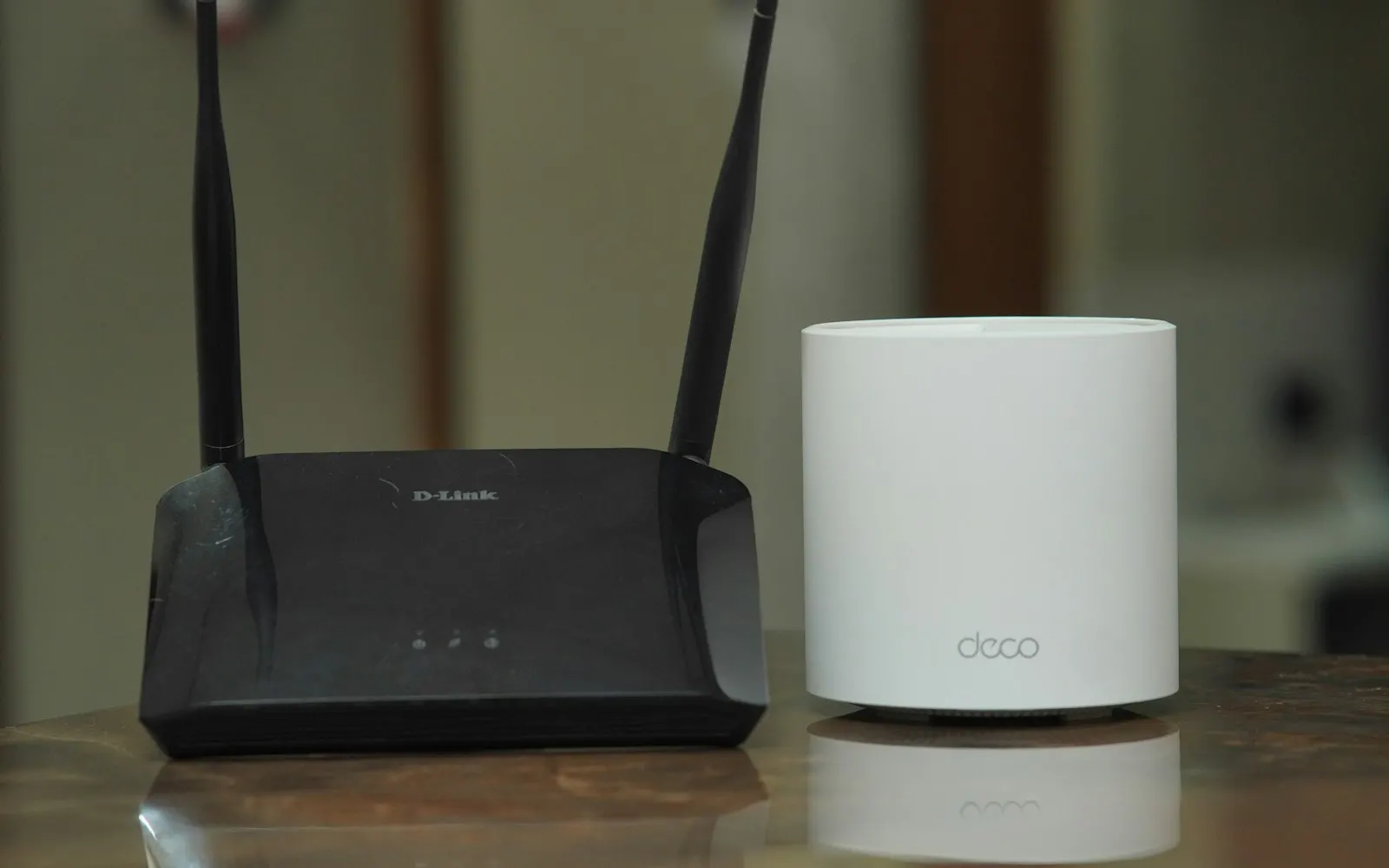
A basic Wi-Fi extender repeats your existing signal. That usually means half the speed, a separate network name, and devices that cling to a weak connection instead of switching to a better one. They can help a single room, but rarely fix a whole house.
Mesh Wi-Fi: the usual answer
A mesh system uses two or three units that work together as one network. Your phone or laptop moves between them automatically as you walk through the house. Systems like eero, Google Nest Wifi, TP-Link Deco, and ASUS ZenWiFi work well in most homes.
When to run a cable
For a home office, a TV, or a detached space, nothing beats a wired connection. Even one Ethernet cable to a second mesh unit can dramatically improve the whole system. Where running cable isn’t practical, powerline or MoCA adapters can use your existing electrical or coax wiring.
Don’t forget security
- Change the router’s default admin password
- Use WPA3 or WPA2 security with a strong Wi-Fi password
- Put guests and smart-home gadgets on a separate guest network
- Turn on automatic firmware updates if your router supports them
Let us map your home
We’ll walk your home or office, measure signal strength room by room, and recommend the simplest fix — sometimes just moving the router. See our networking services, or start with our free Cyber Safety Checkup, which includes a quick check on your router’s security.
Ready to get your tech back on track?
No problem is too big or too small. We’re here to help.