
Don’t replace your computer — upgrade it. Mount Vernon Computers helps Alexandria homes and businesses get more speed, storage, and performance from their existing systems at a fraction of the cost of buying new. Whether it’s a RAM boost, an SSD swap, or a full component overhaul, we assess your system and install the right upgrades for your needs.
Many computers that feel slow or outdated still have years of useful life left. The right upgrade can transform a sluggish machine into one that feels brand new. Alexandria residents and professionals count on us to assess their systems honestly and recommend only the upgrades that will make a real, noticeable difference — saving money and extending the life of hardware they already own.
What sets us apart
Fraction of Replacement Cost
Most upgrades cost a fraction of buying new — and deliver performance gains you’ll notice immediately.
Instant Speed Boost
An SSD upgrade alone can make your computer boot in seconds instead of minutes. RAM upgrades eliminate multitasking lag.
Extend Your Machine’s Life
Strategic upgrades can add 3–5 years of useful life to a computer you might otherwise replace.
Upgrade options we offer
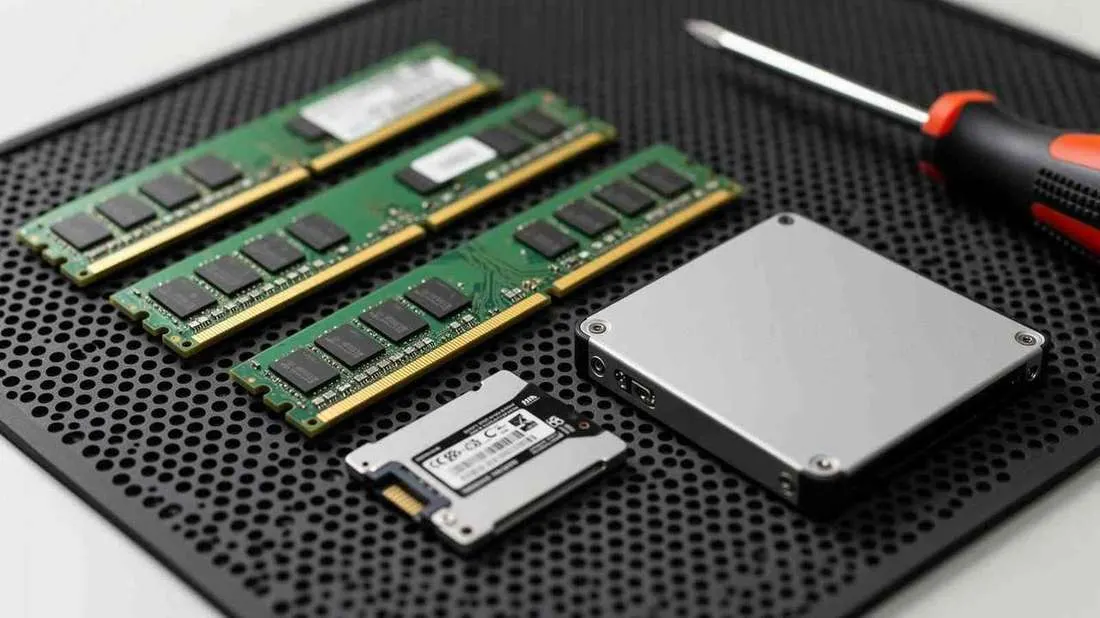
RAM and memory upgrades
The single most impactful improvement for a computer that struggles with multitasking — handle multiple tasks without bogging down.
SSD and hard drive replacements
The most dramatic speed improvement most users will ever experience — boot times drop from minutes to seconds.
Graphics card upgrades
Better performance for video editing, 3D rendering, gaming, or any GPU-accelerated application on high-resolution displays.
Operating system upgrades
Stay current with the latest features, security patches, and software compatibility while preserving your files and settings.
Power supply & cooling improvements
Eliminate hidden bottlenecks that cause instability, shutdowns, and thermal throttling that limit your system’s potential.
Motherboard & processor upgrades
The most significant performance leap — essentially giving your computer a new brain when the upgrade path allows it.
Software optimization & cleanup
Before recommending hardware, we check if software bloat is the real problem — unnecessary programs, cluttered startup, fragmented storage.
New computer setup & data migration
When an upgrade isn’t the best path, we help you choose a replacement and transfer everything so your new machine is ready to use.
Breathe new life into your computer
A slow computer doesn’t always mean you need a new one. We assess your system, recommend the most cost-effective upgrades, and handle the installation.
What customers say
I purchased a new laptop and Daryl transferred all data from my old laptop. He also fixed the WiFi extender and disconnected the old laptop from our home WiFi network. He always explains what he’s doing which helps me understand my laptop and WiFi. I highly recommend Mt. Vernon Computers.Read full review
Daryl has always done exactly what needs to be done, for the price quoted, and in the time estimated. He doesn’t take advantage of my relative tech ignorance, and answers all of my questions – even the stupid ones. You can’t go wrong.Read full review
I have used Mount Vernon Computer several times over the past few years for a variety of computer problems. Each time Daryl provided quality service and really personalized attention to my computer issues. He has all sorts of options for people who need services, from remote services to hands on computer services. I highly recommend Mount Vernon Computers for any and all of your computer needs.Read full review
Frequently asked questions
Which upgrade makes the biggest difference?
For most older computers, replacing a spinning hard drive with an SSD makes the biggest difference, followed by adding memory (RAM).
Is my computer worth upgrading?
If it's a few years old and otherwise in good shape, usually yes. If it can't run Windows 11 or is very old, a replacement may be better value. Our Repair or Replace? quiz can help you decide.
Will I lose my files during an upgrade?
No — we move your files, programs, and settings to the new drive so everything is right where you left it.
How much does it cost?
Every job is different, so we diagnose the problem first and give you a clear, upfront quote before any work begins — no surprises. And with our No Fix, No Fee guarantee, if we can't fix it, you don't pay for the repair. Call 703-635-4265 for a quick estimate.
When are you available?
We schedule visits Monday through Saturday, 9 AM to 7 PM, with same-day response on most requests. Emergency service is available for urgent problems.
07 / GET STARTED
Ready when
you are.
Tell us what’s going on and where you’re located. We’ll confirm availability and get you back up and running fast.