
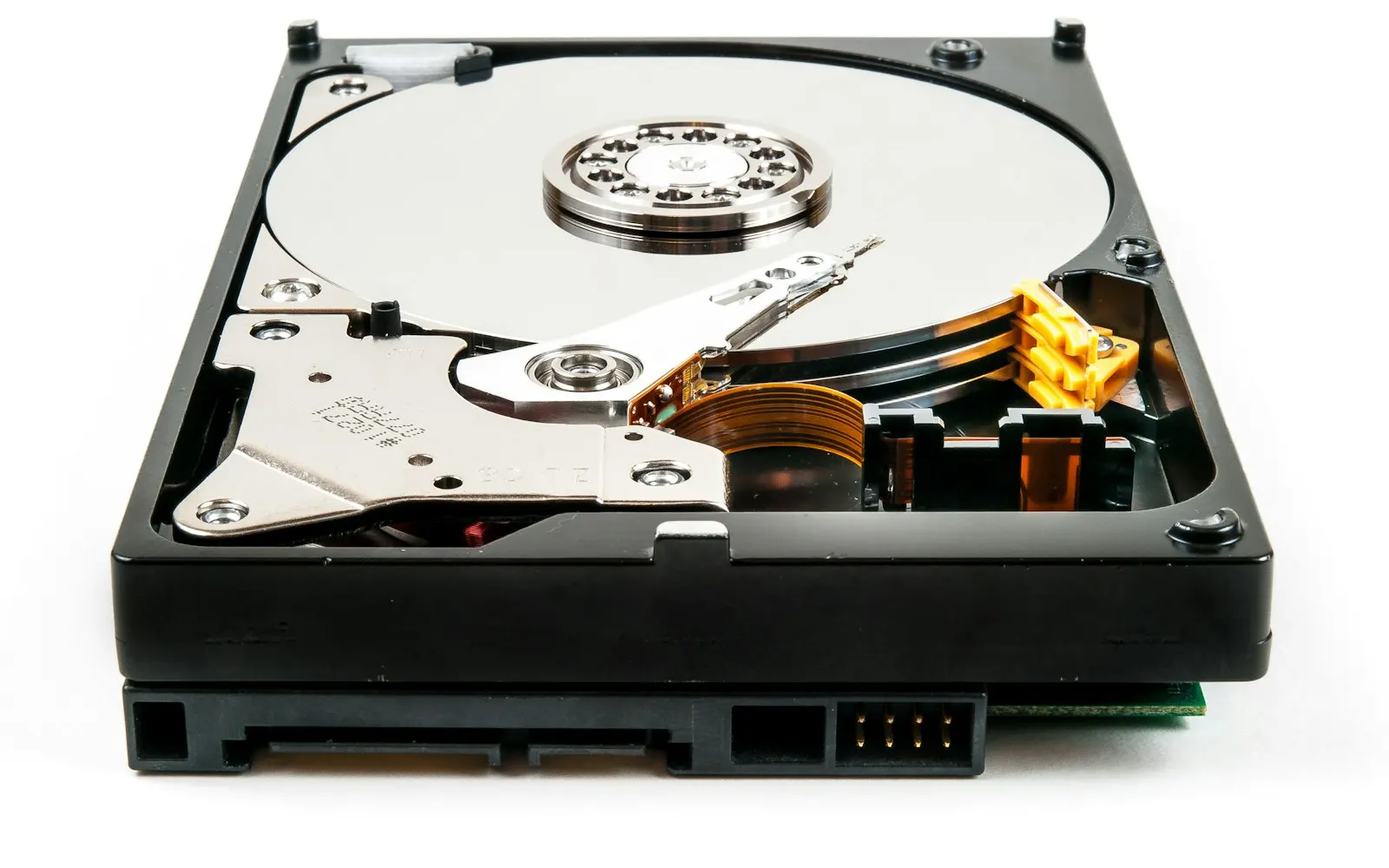
Is Your Backup Actually Working? A Simple Plan for Photos and Files
Hard drives fail. Laptops get dropped, stolen, or soaked in coffee. Ransomware locks every file it can reach. In our data recovery work, the single biggest difference between a bad day and a disaster is whether a working backup exists.
Notice the word working. We regularly meet people who set up a backup years ago and later discover it stopped running long before they needed it.
The 3-2-1 rule
- 3 copies of anything important — the original plus two backups
- 2 different kinds of storage — for example, an external drive and the cloud
- 1 copy off-site — so a fire, flood, or theft doesn’t take everything at once
What to back up
- Photos and videos — the most irreplaceable files most families own
- Documents, tax records, and scanned paperwork
- Business files, client records, and accounting data
- Email, if it isn’t already stored online
Make it automatic
A backup you have to remember to run is a backup that won’t happen. Good options:
- Windows File History or Mac Time Machine to an external drive
- OneDrive, iCloud, or Google Drive for continuous cloud copies
- A dedicated backup service such as Backblaze for a complete off-site copy
Note that sync services like OneDrive are great, but if you delete or encrypt a file, the change syncs too. Pair them with a real backup that keeps older versions.
The five-minute test
Once or twice a year, pick a few files — a photo, a document, a spreadsheet — and restore them from your backup to a different folder. Open them. If they open, you’re in good shape. If anything fails, you’ve found the problem while it’s still easy to fix.
We can set it up — and check it
Mt. Vernon Computers sets up automatic backups for homes and small businesses throughout Northern Virginia, and we’ll test the restore with you before we leave. If a drive has already failed, our data recovery service can often get your files back. And our free Cyber Safety Checkup will tell you in three minutes whether your backups need attention.
Ready to get your tech back on track?
No problem is too big or too small. We’re here to help.