

HP Pavilion, Envy, Spectre, EliteBook, or ProBook — Mount Vernon Computers provides comprehensive HP repair and support for home and business users throughout Alexandria. Whether your HP laptop needs a screen replacement, a battery swap, or a full system tune-up, we have the parts and experience to get it done right.
HP is one of the most common brands we work on in Alexandria, and for good reason — they make everything from affordable home laptops to enterprise-class workstations. Each HP product line has its own set of common issues, and our years of experience mean we can diagnose them quickly and accurately, saving you time and unnecessary expense.
HP Specialists
Our deep experience repairing HP systems means we’re already familiar with the issues your product line is known for.
Fast Turnaround
No long waits or multiple trips — most HP repairs are diagnosed and taken care of the first time out.
Honest Assessments
We explain what’s wrong in plain English, give you a fair quote, and let you decide — no pressure, no upsells.
HP Services We Provide
We resolve the most common consumer HP issues — overheating, slow performance, screen damage, and battery failure.
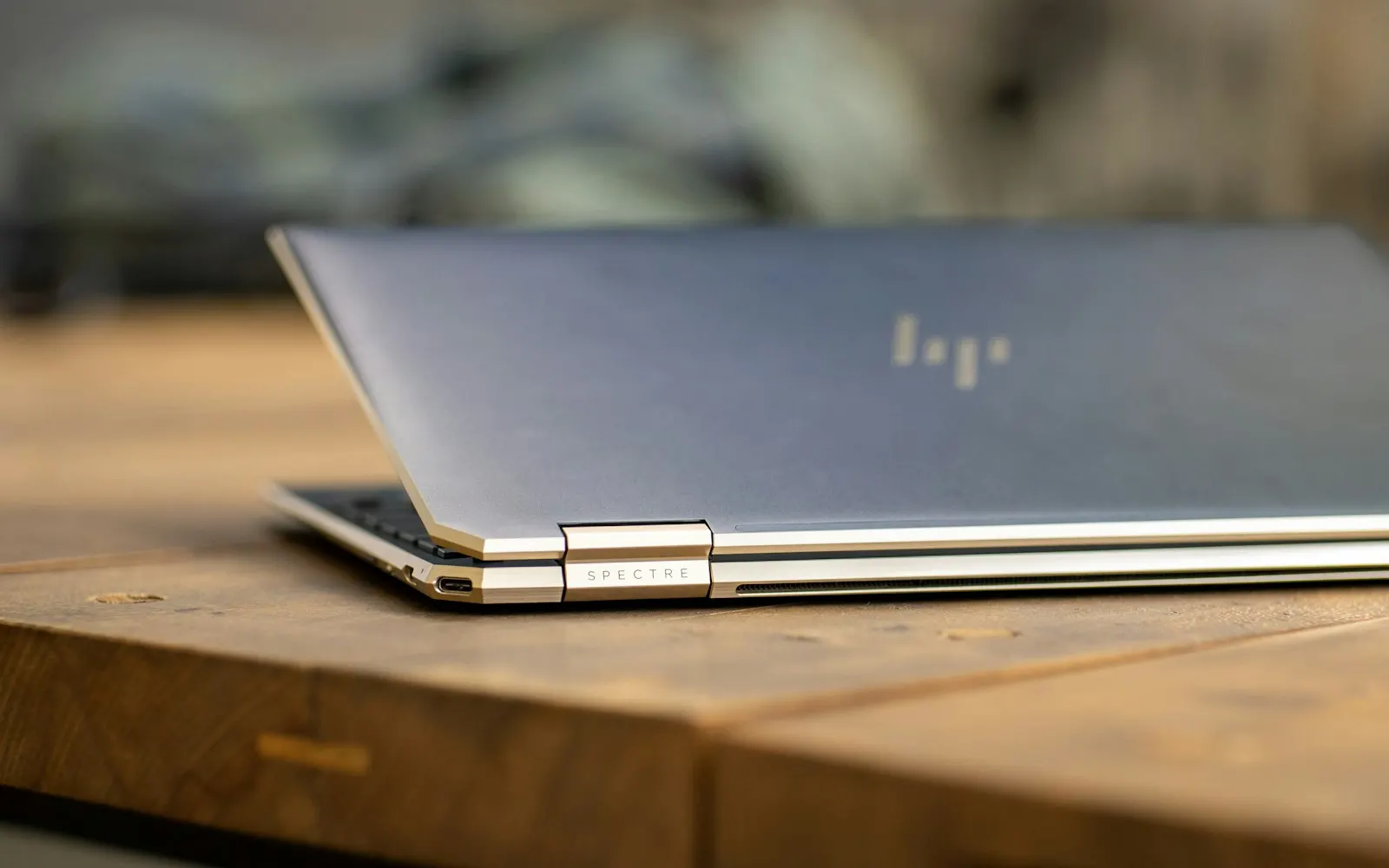
HP’s premium Spectre line requires careful handling — we service these thin, powerful machines without compromising their design.
Enterprise-grade HP laptops repaired with the reliability and speed that business users demand.
We service HP towers, small form factors, and all-in-one desktops for hardware failures and performance upgrades.
We resolve driver conflicts, wireless connectivity issues, and print quality problems for HP’s full printer lineup.
Cracked screens and broken hinges are common on HP laptops — we replace them with quality parts for a solid repair.
We identify the maximum upgrade potential of your HP model and install compatible components for a noticeable speed boost.
We update BIOS, chipset drivers, and peripheral firmware to resolve known issues and improve system reliability.
Why Choose Mount Vernon Computers for HP?
HP is one of the most common brands we see in our shop. From consumer Pavilions to enterprise EliteBooks, we’ve repaired hundreds of HP systems over 20+ years. We know the common failure points of each HP line and can often diagnose issues quickly, saving you time and money.
Common HP Error Codes
HP laptops and desktops display HP-specific diagnostic codes alongside standard Windows errors when drives or operating systems fail. These are the most common ones we encounter.
Boot Device Not Found (Error 3F0)HP’s BIOS can’t find a bootable drive — one of the most common HP errors indicating hard drive failure.
INACCESSIBLE_BOOT_DEVICEWindows blue screen indicating the OS can’t access the system drive. Frequent on HP systems after updates.
HP Hardware Diagnostics: Hard Drive SMART Check FailedHP’s built-in diagnostics detected the drive is reporting imminent failure through its self-monitoring system.
HP Hardware Diagnostics: Hard Drive Short DST FailedThe drive’s short self-test failed during HP diagnostics — the drive is likely failing or has failed.
CRITICAL_PROCESS_DIEDA Windows critical process stopped — often caused by corrupted system files or failing storage.
UNMOUNTABLE_BOOT_VOLUMEWindows can’t mount the boot partition — file system corruption or physical drive damage.
KERNEL_DATA_INPAGE_ERRORData couldn’t be read from the drive into memory — a clear sign of hard drive failure.
Operating System Not FoundHP BIOS completed POST but can’t find an OS — the drive may be dead or the partition table is corrupted.
BIOHD-2 / BIOHD-8HP-specific BIOS error codes indicating hard drive failure detected during startup diagnostics.
Automatic Repair LoopWindows keeps restarting into repair mode — the underlying drive may be too damaged for Windows to fix itself.
System Fan (90B) ErrorHP’s signature fan error — displayed on a black screen during POST. Error code 90B means the system fan was not detected or is running below minimum speed. HP also uses 90A (CPU fan) and 90E (power supply fan) for specific fan failures.
Seeing one of these errors? Don’t keep restarting — continued use of a failing drive can make data recovery harder or impossible. Call us at 703.635.4265 or schedule a repair for fast diagnosis.
My teenager did not properly back up her laptop. So, when it totally crashed she lost access to her English final and all her junior year school files. In a panic we called Daryl on a Sat morning. He was able to retrieve all her files and make them available for use on either a PC or Mac. We have both and were not sure which computer would be used to finish up the school year. We had the all her files by 6pm that same Sat. You will not go wrong with Daryl. His prices are reasonable and we found him knowledgeable and honest. We will be using Daryl again for any future problems.Read full review
I am pleased and impressed by the quick response and services provided. I’d been dreading the task of getting my computer serviced and Daryl made it so easy. He picked it up, kept in touch regarding what it needed, and when he returned it, took the time to show me some shortcuts and navigation tools.Read full review
Daryl has always done exactly what needs to be done, for the price quoted, and in the time estimated. He doesn’t take advantage of my relative tech ignorance, and answers all of my questions – even the stupid ones. You can’t go wrong.Read full review