

Acer Aspire, Swift, Nitro, or Predator — Mount Vernon Computers delivers expert Acer repair and support in Alexandria. We fix hardware issues, performance problems, screen damage, and more for all Acer laptop and desktop models, with the same quality service whether it’s a budget Aspire or a high-end Predator gaming rig.
Acer offers excellent value at every price point, from budget-conscious Aspire laptops for students to powerful Predator gaming rigs. Their wide range of products means repair needs vary significantly between models — and that’s where our broad experience serving Alexandria customers makes a real difference in getting accurate diagnoses and lasting repairs.
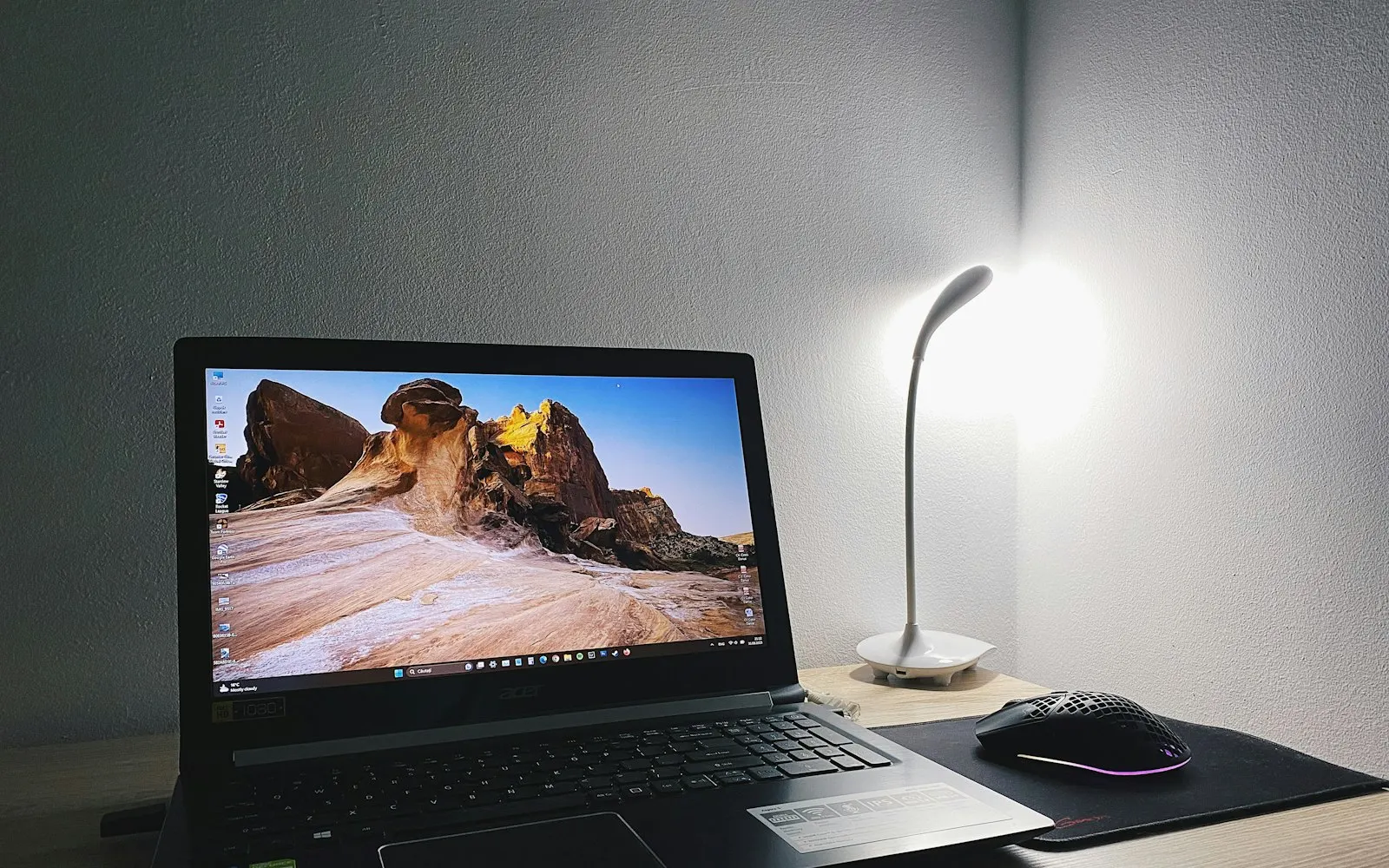
Acer Specialists
Our deep experience repairing Acer systems means we’re already familiar with the issues your product line is known for.
Fast Turnaround
No long waits or multiple trips — most Acer repairs are diagnosed and taken care of the first time out.
Honest Assessments
We explain what’s wrong in plain English, give you a fair quote, and let you decide — no pressure, no upsells.
Acer Services We Provide
We handle the most common issues with Acer’s consumer lines — slow performance, battery failure, screen damage, and overheating.
Gaming-specific diagnostics and repair — GPU issues, thermal throttling, fan noise, and performance optimization.
ChromeOS-specific support including account recovery, update failures, and hardware repairs for Acer Chromebooks.
We source compatible replacement parts for Acer laptops and install them for a reliable, lasting repair.
Desktop towers and Acer monitors serviced for power issues, display problems, and component upgrades.
Batteries that won’t charge and adapters that have stopped working — diagnosed and replaced with compatible parts.
The most effective way to breathe new life into an aging Acer laptop — we verify compatibility and handle the installation.
Firmware and driver updates that resolve known bugs, improve stability, and ensure hardware compatibility.
Why Choose Mount Vernon Computers for Acer?
Acer offers great value across their lineup, from budget Aspire laptops to powerful Predator gaming machines. We provide the same high-quality repair service regardless of model, ensuring your Acer system gets back to peak performance as quickly as possible.
Common Acer Error Codes
Acer laptops and desktops show BIOS warnings and Windows errors when hard drives or operating systems fail. Here are the most common ones we see on Acer systems.
No Bootable DeviceAcer’s BIOS can’t find a drive with an operating system — the hard drive may have failed or become disconnected.
INACCESSIBLE_BOOT_DEVICEWindows blue screen indicating the OS can’t access the system drive — common after updates or drive failure.
CRITICAL_PROCESS_DIEDA critical Windows process crashed — often caused by corrupted system files on a failing drive.
UNMOUNTABLE_BOOT_VOLUMEWindows can’t access the boot partition — typically file system corruption or physical drive damage.
KERNEL_DATA_INPAGE_ERRORThe system couldn’t read data from the drive — a strong indicator of hard drive failure.
WHEA_UNCORRECTABLE_ERRORA hardware error detected by Windows — can indicate drive, memory, or other hardware issues.
Operating System Not FoundBIOS passed POST but found no OS to load — the drive may be dead or the partition table is destroyed.
S.M.A.R.T. Failure PredictedThe drive’s self-monitoring system is reporting imminent failure — back up data immediately.
PXE-E61: Media Test FailureThe system is trying to network boot because no local drive was found — the hard drive has likely failed.
Automatic Repair LoopWindows keeps cycling through repair attempts without success — often indicates serious drive or OS corruption.
CPU Fan Error / Thermal ShutdownAcer systems may display a ‘CPU Fan Error’ during BIOS POST or shut down abruptly from overheating when the fan fails. Acer laptops — especially Aspire and Nitro models — are prone to dust accumulation that blocks fan airflow.
Seeing one of these errors? Don’t keep restarting — continued use of a failing drive can make data recovery harder or impossible. Call us at 703.635.4265 or schedule a repair for fast diagnosis.
I have worked with Daryl recently to straighten out multiple computers, photos, and generally try to bring me into the 21st tech century. He is patient, punctual, knowledgeable and very pleasant to work with. Highly recommended.Read full review
I and other members of my family have been customers of Mt Vernon Computers for many years. Daryl is trustworthy, professional and knowledgeable. I call him because I know that he responds in a timely manner, and that his advice is honest and in my best interest.Read full review
Daryl has always done exactly what needs to be done, for the price quoted, and in the time estimated. He doesn’t take advantage of my relative tech ignorance, and answers all of my questions – even the stupid ones. You can’t go wrong.Read full review